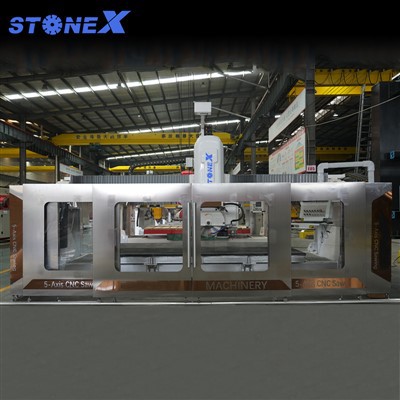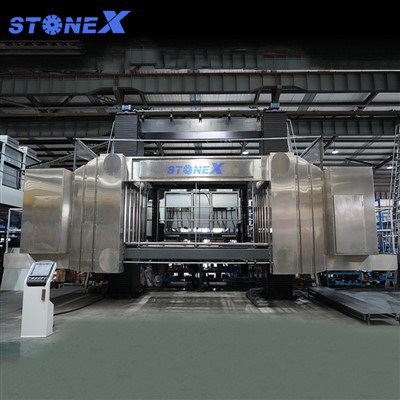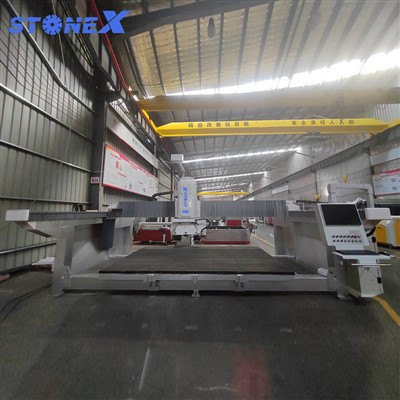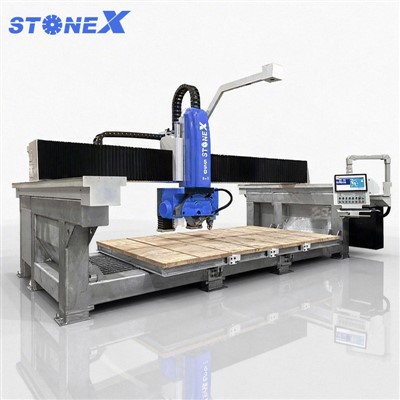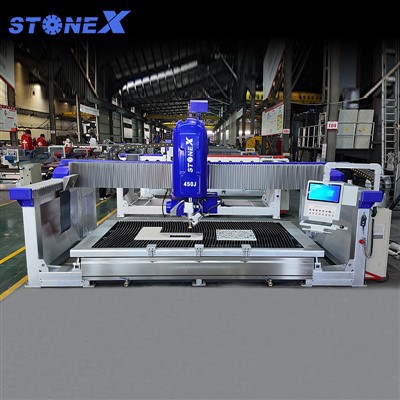


Calibrating a CNC saw is a crucial process that ensures the machine operates with high precision and efficiency. As a supplier of CNC saws, I understand the importance of this procedure and am here to guide you through it.
Why Calibration is Necessary
CNC saws are complex machines designed to cut various materials with extreme accuracy. Over time, factors such as wear and tear, environmental conditions, and mechanical vibrations can cause the saw to deviate from its optimal settings. Calibration is the process of adjusting the machine to bring it back to its original specifications, ensuring that the cuts are made with the desired precision.
A well - calibrated CNC saw offers several benefits. Firstly, it improves the quality of the cuts. Whether you are working with wood, metal, or stone, precise cuts are essential for creating high - quality products. Secondly, calibration enhances the efficiency of the machine. When the saw is properly calibrated, it can operate at its maximum speed without sacrificing accuracy, reducing production time and costs. Finally, regular calibration extends the lifespan of the CNC saw by reducing the stress on its components.
Pre - Calibration Checks
Before starting the calibration process, it is important to perform a series of pre - calibration checks. These checks help to identify any potential issues that could affect the calibration process.
- Visual Inspection: Examine the saw for any signs of damage, such as cracks, loose parts, or worn - out components. Check the blade for sharpness and alignment. A dull or misaligned blade can cause inaccurate cuts and affect the calibration results.
- Cleaning: Clean the saw thoroughly to remove any debris, dust, or coolant that may have accumulated on the machine. This includes cleaning the cutting area, the guide rails, and the spindle. A clean machine ensures smooth operation and accurate calibration.
- Power and Electrical Systems: Check the power supply to the saw and ensure that all electrical connections are secure. Inspect the control panel for any error messages or malfunctions. A stable power supply is essential for the proper functioning of the CNC saw during calibration.
Calibration of the Cutting Axis
The cutting axis of the CNC saw is one of the most critical components to calibrate. It determines the accuracy of the cuts in the X, Y, and Z directions.
- X - Axis Calibration:
- Use a precision measuring tool, such as a dial indicator, to measure the movement of the X - axis. Place the dial indicator on the table of the saw and move the cutting head along the X - axis. The indicator should show a consistent and accurate movement.
- Adjust the drive system of the X - axis if there are any deviations. This may involve adjusting the belt tension, the screw pitch, or the motor settings. Make small adjustments and re - measure until the X - axis movement is within the specified tolerance.
- Y - Axis Calibration:
- Similar to the X - axis, use a dial indicator to measure the movement of the Y - axis. The Y - axis is usually perpendicular to the X - axis, and its calibration is crucial for ensuring square cuts.
- Check the alignment of the Y - axis guide rails. If the rails are misaligned, it can cause the cutting head to move at an angle, resulting in inaccurate cuts. Adjust the guide rails as needed to ensure proper alignment.
- Z - Axis Calibration:
- The Z - axis controls the depth of the cut. Use a depth gauge to measure the movement of the Z - axis. The depth gauge should be placed on the material being cut, and the Z - axis should be moved up and down to check the accuracy of the depth setting.
- Adjust the Z - axis drive system if there are any discrepancies. This may involve adjusting the spindle height, the motor speed, or the control settings.
Blade Calibration
The blade of the CNC saw is another important component that requires calibration. A properly calibrated blade ensures clean and accurate cuts.
- Blade Alignment:
- Check the alignment of the blade with the cutting axis. The blade should be perpendicular to the table of the saw and parallel to the guide rails. Use a square or a laser alignment tool to check the alignment.
- If the blade is misaligned, adjust the blade mounting system. This may involve loosening the bolts that hold the blade in place, re - positioning the blade, and then tightening the bolts.
- Blade Tension:
- The tension of the blade affects its cutting performance. A blade that is too loose can cause vibration and inaccurate cuts, while a blade that is too tight can cause premature wear.
- Use a blade tension gauge to measure the tension of the blade. Adjust the tension according to the manufacturer's specifications. This may involve adjusting the tensioning mechanism on the saw.
Software Calibration
In addition to the mechanical calibration, the software of the CNC saw also needs to be calibrated. The software controls the movement of the cutting head and the operation of the saw.
- Coordinate System Calibration:
- The coordinate system of the CNC saw needs to be calibrated to ensure that the machine accurately interprets the cutting instructions. This involves setting the origin point of the coordinate system and calibrating the scale of the X, Y, and Z axes.
- Use the calibration function in the software to perform the coordinate system calibration. Follow the instructions provided by the software to input the correct values for the origin point and the axis scales.
- Cutting Parameters Calibration:
- The cutting parameters, such as the cutting speed, feed rate, and depth of cut, need to be calibrated according to the material being cut. Different materials require different cutting parameters to achieve the best results.
- Refer to the material specifications and the manufacturer's recommendations to set the appropriate cutting parameters. Test the saw with a sample piece of the material and make adjustments as needed.
Post - Calibration Testing
After completing the calibration process, it is important to perform a series of post - calibration tests to ensure that the CNC saw is operating correctly.
- Test Cuts:
- Make a series of test cuts on a sample piece of the material. Check the accuracy of the cuts, including the dimensions, the straightness, and the squareness. Measure the cuts using a precision measuring tool, such as a caliper or a micrometer.
- If the test cuts are not accurate, re - check the calibration settings and make any necessary adjustments.
- Repeatability Test:
- Perform a repeatability test by making multiple cuts at the same location on the sample piece. The cuts should be consistent in terms of dimensions and quality. If there is a significant variation in the cuts, it may indicate a problem with the calibration or the machine.
Conclusion
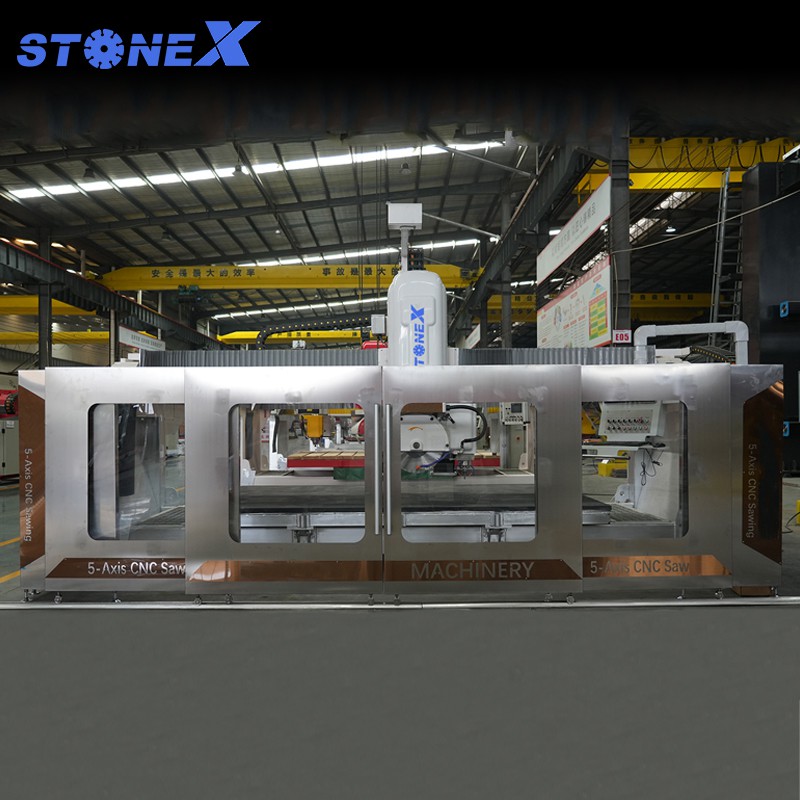
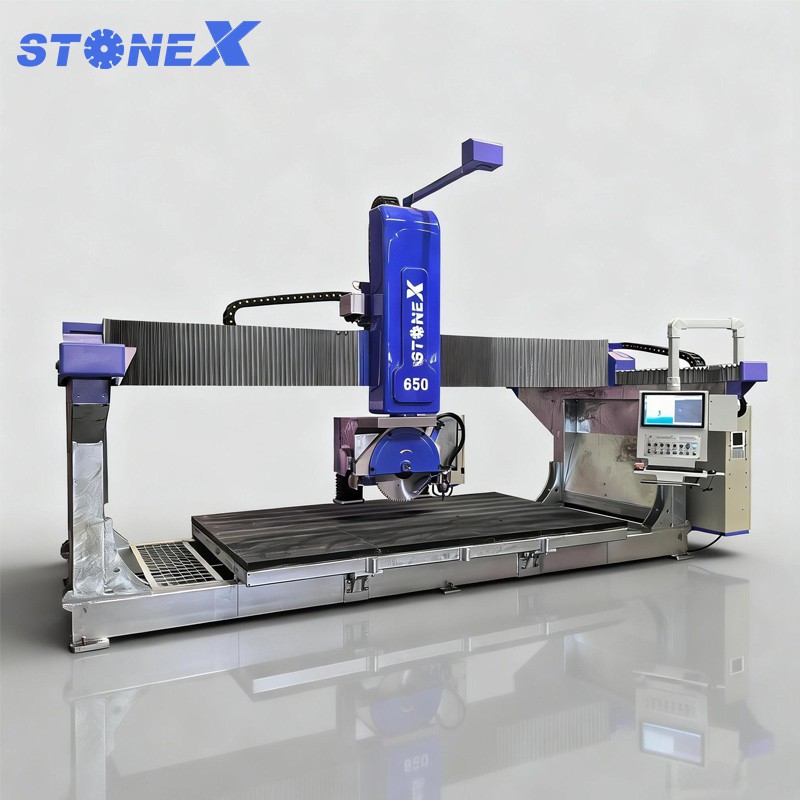
Calibrating a CNC saw is a detailed and important process that requires careful attention to detail. By following the steps outlined above, you can ensure that your CNC saw operates with high precision and efficiency. As a supplier of CNC saws, we offer a range of high - quality machines, including the 5 Axis Stone CNC Cutting Machine, Bridge Stone Saw Machine, and CNC Granite Bridge Saw.
If you are interested in purchasing a CNC saw or need further assistance with calibration, please feel free to contact us. We are committed to providing you with the best products and services to meet your cutting needs.
References
- Manufacturer's manuals of CNC saws
- Industry standards for CNC machine calibration
- Technical papers on precision machining and CNC technology